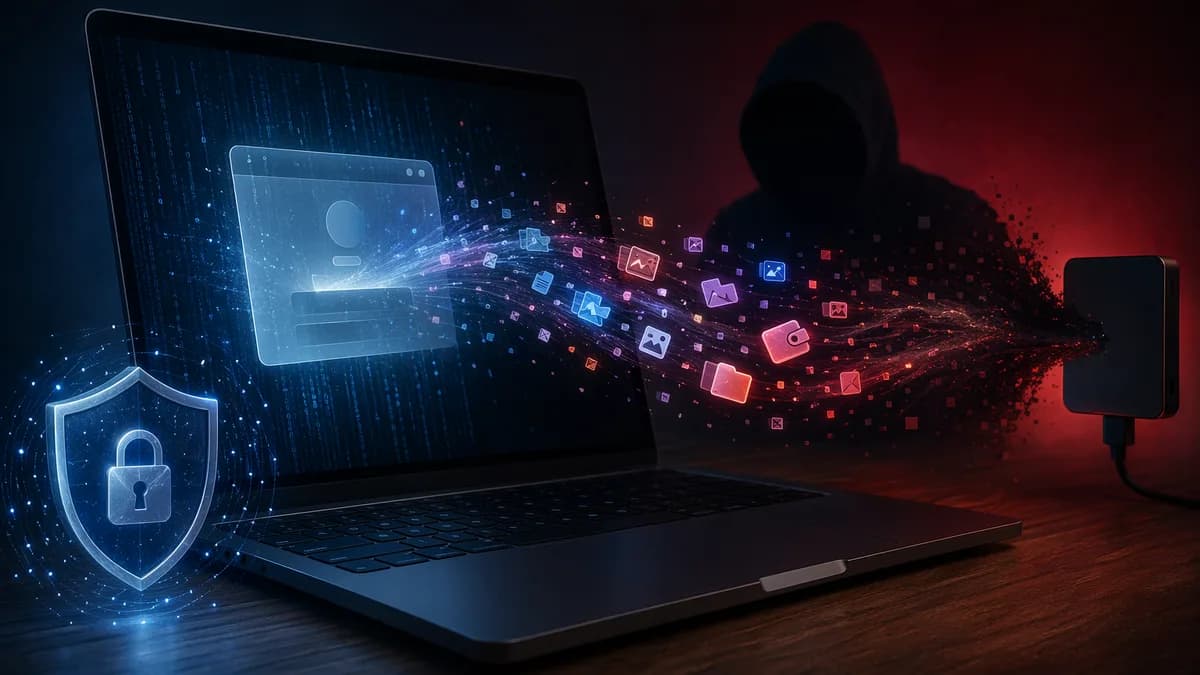
Eight Chromium-based browsers, five Firefox-derived browsers, major crypto wallets, Telegram Desktop, Discord, Apple Notes, Safari cookies, Keychain database files, and user documents are in scope for the latest macOS ClickFix attack pushing the Atomic macOS Stealer, according to BleepingComputer.
XOOMAR
Summary
That scale is the point. This isn’t a crude fake app download where a user drags something into Applications and gets second thoughts. The campaign spotted by Palo Alto Networks Unit 42 uses a fake CAPTCHA page to push users into opening Terminal, pasting a command, and triggering a chain that downloads, mounts, and launches malware from a DMG file.
The primary search term here is macOS ClickFix attack, and it matters because the attack turns a familiar troubleshooting habit into the delivery mechanism. If the user runs the command, the malware doesn’t need to win trust through an obvious installer screen first. The user has already helped it move.
8 Chromium browsers show why this macOS ClickFix attack is not a niche Mac problem
The campaign infects Macs with Atomic macOS Stealer, also known as AMOS, an infostealer built to grab high-value local data. BleepingComputer reports that the malware targets browser credentials, cryptocurrency wallet data, Keychain data, messaging app information, and user documents.
Unit 42 said the lure begins with a fake CAPTCHA page. The page tells the victim to open Terminal and paste a command to verify themselves. That detail matters because CAPTCHA flows are supposed to be boring and routine. Attackers are abusing that muscle memory.
"If you do not 100% understand what a command does, do not run it."
That advice sounds simple. It’s also the cleanest rule for this class of attack.
ClickFix is social engineering dressed as tech support. A page claims there is a browser issue, verification problem, CAPTCHA failure, or access error. Then it offers instructions that appear to “fix” the issue. In reality, the fix is the payload path.
For related context on how ClickFix-style lures have been used outside macOS, see ClickFix Malware Turns Gizmodo Against Windows PCs. For a separate crypto-theft angle, read USB Crypto Malware Weaponizes Windows Shortcut Files.
The fake CAPTCHA chain: copied command, silent DMG download, hidden mount, app launch
The new campaign’s mechanics are blunt but effective. After the user runs the Terminal instruction, the command downloads a malicious DMG from an attacker-controlled server and saves it in the /tmp folder under a random filename.
BleepingComputer says the command uses curl with quiet flags, then calls macOS’s native hdiutil utility to mount the disk image without showing it in Finder or on the desktop. The script then searches up to three directory levels deep for the first available .app or .pkg installer and launches it with the macOS open command.
That sequence is the escalation in this macOS ClickFix attack. Older DMG-based campaigns often needed the user to manually open the downloaded disk image. Here, the Terminal command does the busywork.
| Stage | What the user thinks is happening | What the attack is doing |
|---|---|---|
| Fake CAPTCHA | Verifying access | Creating urgency and legitimacy |
| Terminal paste | Running a fix | Authorizing attacker-supplied instructions |
| DMG download | No visible event, or a quick process | Pulling malware from attacker infrastructure |
| Silent mount | Nothing obvious in Finder | Mounting the disk image with native macOS tooling |
| App launch | A helper or prompt may appear | Starting the infostealer |
Researchers observed a disk image named "s.01M0td.dmg" that mounted a volume containing a self-signed app bundle named "NNApp.app". That payload belongs to the Atomic macOS Stealer family.
DMG files matter because macOS users already expect software to arrive that way
A DMG is a normal macOS disk image format used to distribute software. That familiarity is why it works as camouflage. Users have seen legitimate apps arrive in DMGs for years, so the format doesn’t automatically feel hostile.
The risk in this campaign is not that mounting a DMG alone equals compromise. The risk is that the attacker’s command compresses several steps into one action: download the image, mount it quietly, find the installer or app bundle, then launch it.
That turns a familiar Mac workflow against the user. Instead of seeing a downloaded file, opening it, inspecting it, and choosing whether to run it, the victim is nudged into running a Terminal command that handles the flow for them.
Unit 42 also found that the malware displays a fake System Preferences authentication prompt asking for the user’s password. If entered, the malware can steal it. That is where the social engineering moves from browser page to operating system theater.
A real infection can look boring until sessions, wallets, and documents disappear
Picture a freelancer trying to access a fake client file portal. The page says browser verification failed. It offers a CAPTCHA-style fix and tells the user to paste a Terminal command to regain access.
Nothing dramatic has to happen next. The command may run quickly. A DMG may mount without appearing in Finder. A fake utility may open. The user may assume the site is broken and move on.
Behind the scenes, the infostealer can collect browser profile data. BleepingComputer reports that the AMOS payload targets Google Chrome, Microsoft Edge, Brave, Opera, Arc, Vivaldi, CocCoc, and Yandex among Chromium-based browsers. It steals cookies, login databases, autofill information, stored payment cards, and browser profile data.
It also targets Firefox-derived browsers, including LibreWolf, SeaMonkey, Tor Browser, Waterfox, and Zen Browser, for the same categories of data.
The crypto target list is just as direct. Palo Alto said the malware searches for wallet data tied to Exodus, Electrum, Atomic Wallet, Wasabi Wallet, Bitcoin Core, Litecoin Core, DashCore, Guarda, Binance Wallet, Dogecoin Wallet, and TonKeeper.
The malware also steals Telegram Desktop and Discord data, Apple Notes databases, Safari cookies, Apple Keychain database files, and user documents with PDF, TXT, or RTF extensions. Harvested data is stored in a ZIP archive and uploaded to the attacker’s server.
One especially sharp detail: researchers found the malware can replace legitimate installations of Ledger Live and Trezor Suite with malicious versions, likely to support crypto theft.
Security teams should hunt for hdiutil, /tmp DMGs, and app launches after Terminal use
For individual users, the rule is strict: don’t paste Terminal commands from websites, chat messages, pop-ups, file portals, or support pages unless you fully trust the source and understand the command. CAPTCHA checks should not require Terminal.
If someone already ran a suspicious command:
- Disconnect: Take the Mac offline to reduce further data movement.
- Preserve: Save the page URL, screenshot, and command if possible. Don’t rerun it.
- Rotate: Change passwords from a clean device, starting with email, password managers, financial accounts, developer accounts, and crypto services.
- Revoke: End active sessions in browsers, messaging apps, and cloud accounts.
- Scan: Use trusted security tools and review recent downloads, mounted volumes, Login Items, and unexpected apps.
For defenders, the useful signals sit in the chain. Watch for unusual Terminal activity followed by downloads into /tmp, hdiutil disk image mounting, hidden or no-browse mounts, app or package launches from temporary paths, and outbound connections soon after execution.
The campaign used command-and-control servers at svs-verificationdate[.]beer and 196.251.107[.]171, according to the BleepingComputer report. Those indicators are useful, but the broader pattern matters more because infrastructure can change quickly.
The practical implication is clear. macOS defenses still matter, but ClickFix attacks recruit the user into doing the dangerous part. The next test for users and IT teams is whether they treat “paste this command into Terminal” as a stop sign, even when the page looks like routine verification.
Impact Analysis
- The attack abuses fake CAPTCHA prompts to make users run Terminal commands themselves.
- Atomic macOS Stealer targets sensitive local data including browser credentials, crypto wallet data, Keychain files, and documents.
- Mac users should avoid running commands they do not fully understand, even when a website presents them as verification steps.
Browser families targeted by the macOS ClickFix attack
| Target category | Number in scope |
|---|---|
| Chromium-based browsers | 8 |
| Firefox-derived browsers | 5 |
Browsers targeted by AMOS in the macOS ClickFix campaign
Primary Sources & Disclosures

Written by
XOOMAR
Data desk
XOOMAR publishes free market data from primary sources, with an open API. When something we publish is wrong, it's corrected in place.