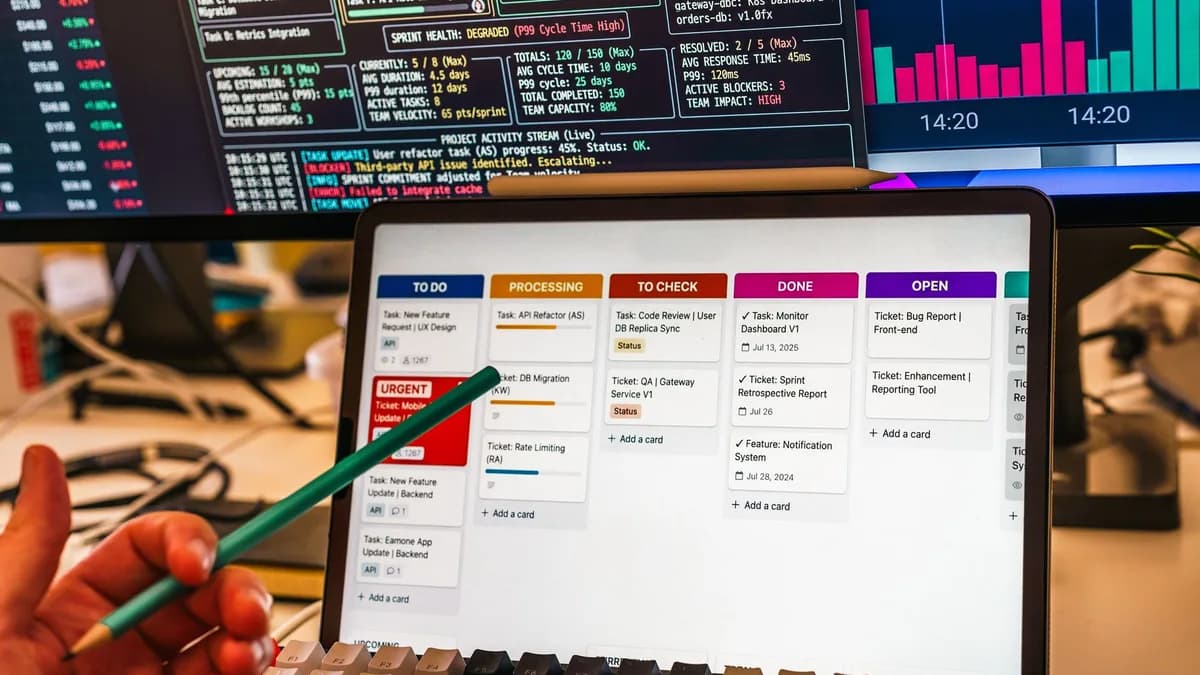
In today's dynamic work environment, managing tasks has become a juggling act of emails, meetings, deadlines, and shifting priorities. For many, the humble to-do list simply can't keep up, leading to a demoralizing backlog and constant overwhelm. The modern solution lies not in better lists, but in intelligent assistants. AI task managers beyond to do lists are now essential tools, designed to automate scheduling, infer priorities, break down complex work, and integrate across your entire digital ecosystem. These platforms act less like passive databases and more like proactive team members, fundamentally changing how work gets planned and executed in 2026.
Introduction: Why Basic To-Do Lists Fail Complex Workflows
The core problem with traditional task management is its passivity. As one analysis notes, these tools "store tasks faithfully, but they don’t help you decide what to do next, when to do it, or how to handle the reality that your 12-item to-do list expanded to 18 items before lunch." The sources identify several critical failure modes that basic apps cannot solve.
The Growing List Problem: Tasks are added faster than they are completed, creating a demoralizing and infinite backlog rather than a motivating plan. The Priority Blindness Problem: Most traditional tools treat all tasks as equal, unable to distinguish between a critical client presentation and a minor administrative update. The Context-Switching Problem: Work originates everywhere, email, chat, meetings, and no single tool captures it all, causing items to slip through the cracks, a challenge that can be mitigated by scrambling your browser's attention-grabbing design. The Planning Gap: Creating a task is not the same as planning when to do it. Without intelligent scheduling, tasks float indefinitely in a state of "someday."
“In 2026, the best task managers for work aren't just digital to-do lists. They're AI-powered systems that help you prioritize, plan, and actually complete work, not just log it.”
The result is that while you may know what you need to do, you lack a clear, actionable path to actually doing it. This is the precise gap that modern AI task managers are engineered to fill.
Defining "AI Task Manager": Key Differentiators from Traditional Apps
An AI task manager is more than a checklist with a chatbot. It's an application that uses artificial intelligence to proactively streamline and optimize productivity. According to the research, the key differentiators lie in automation, intelligence, and integration. The fundamental shift is from a user-driven, static system to a dynamic, independently operating assistant.
Here’s a comparison of core capabilities, grounded in source data:
| Feature | Standard Task Manager | AI Task Manager |
|---|---|---|
| Automation Level | Static, user-driven, follows fixed rules | Dynamic and operates independently |
| Task Scheduling | Manual placement | Automatic scheduling based on priority & availability |
| Priority Setting | User-defined | Recommends based on deadlines, importance & patterns |
| Learning Capability | Static rules | Adapts and improves based on user behavior |
| Integration | Basic connections | Deep, contextual connections across ecosystems |
The most advanced platforms in 2026 deploy AI agents, autonomous assistants that don’t just suggest next steps but execute them. These agents can analyze project risk, assign work, summarize meetings, and coordinate deliverables across teams without manual intervention. The core promise is moving from reactive task tracking to proactive task completion.
1. Todoist's AI Assistant 'Q': Smart Project Creation & Natural Language
Todoist has evolved from a beloved to-do app into a platform with meaningful AI enhancements. Its strength remains in fast, clean, cross-platform personal productivity, but its recently added AI Assistant (called 'Q' at the time of writing) adds a layer of intelligent support.
Key AI Features from Research:
- AI Assistant: Can rewrite tasks, generate subtasks, and suggest project structures.
- Natural Language Task Creation: Input like "Call dentist tomorrow at 2pm #personal @phone" creates a properly tagged, scheduled task instantly.
- Project Organization Suggestions: The AI can help break down and structure complex projects.
- Smart Productivity Recommendations: Offers insights based on your task completion patterns.
Best For: Individuals, students, and small teams who want a clean, fast interface enhanced by AI for task breakdown and natural language input. It is described as ideal for "personal productivity and simple task management."
Trade-offs to Consider:
- Pros: Excellent mobile apps, strong free plan, fast performance, and widespread platform support.
- Cons: Advanced AI requires a paid plan, and it has limited native project management features compared to dedicated platforms. There is no native time-blocking, requiring calendar integration.
2. Taskade: AI-Generated Workflows and Mind Maps
While not extensively detailed across all provided sources, Taskade is recognized in broader industry rankings for its unique approach. It distinguishes itself by using AI not just for task management but for generating structured workflows and visual mind maps from simple prompts. This is particularly valuable for project planning and brainstorming phases.
Key AI Features (based on available data):
- AI-Generated Workflows: Transform a project goal or idea into a step-by-step task list automatically.
- Mind Map Creation: Visualize project structures and relationships between tasks using AI-generated mind maps.
- Real-time Collaboration: Teams can work together on the generated workflows and maps in a unified workspace.
Best For: Creative professionals, project planners, and remote teams who benefit from visual project structuring and need to quickly translate ideas into actionable, shareable plans.
3. Akiflow: AI-Powered Time Blocking and Input Consolidation
Akiflow is engineered for the busy professional drowning in inputs from multiple apps. Its core value proposition is consolidation and AI-driven scheduling.
Key AI Features from Research:
- Unified Task Inbox: Centralizes tasks from email (Gmail/Outlook), calendars, Slack, and other productivity apps.
- AI Scheduling & Calendar Optimization: Analyzes your consolidated task list and calendar events to automatically time-block tasks into your day.
- Workflow Automation: Can automate sequences of actions based on triggers.
Best For: Executives, consultants, and busy professionals who manage a high volume of tasks originating across many platforms and need a single, AI-optimized daily plan. It is highlighted as being "excellent for executives" and a major time-saver.
Trade-offs to Consider:
- Pros: Powerful integrations, excellent for reducing context-switching, strong focus on calendar-based planning.
- Cons: Can be premium-priced, and its value is maximized for those who truly need deep input consolidation.
4. Sunsama: Intentional Daily Planning with AI-Guided Focus
Sunsama takes a mindful, deliberate approach to productivity. It emphasizes realistic daily planning and work-life balance over sheer task volume. Its AI assists in creating sustainable daily schedules.
Key AI Features from Research:
- Daily Planning Assistance: Guides users to build a realistic, focused daily plan each morning.
- Calendar Synchronization & Time Blocking: Pulls in meetings and helps block time for tasks.
- Workload Balancing & Productivity Insights: Helps ensure your daily plan is achievable and provides insights into your working patterns.
Best For: Individuals and professionals prone to overcommitment who value intentionality, focus, and sustainable productivity. It’s praised for its beautiful interface and focus on balance.
Trade-offs to Consider:
- Pros: Beautiful UI, excellent focus tools, promotes sustainable work habits.
- Cons: Carries premium pricing and has a smaller integration ecosystem than some enterprise-focused competitors.
5. Marvin: The Experimental AI Lab for Personal Productivity
Marvin represents a different breed of tool, an open-source, programmable AI agent framework. While not a commercial task manager in the traditional sense, it is noted in expert circles as a powerful "experimental AI lab" for developers and tech-savvy users to build highly customized personal productivity agents.
Key Differentiators:
- Programmable AI Agents: Users can build, customize, and fine-tune their own AI assistants using Python.
- Open-Source & Extensible: Offers maximum flexibility to connect with any API or toolchain.
- Focus on Automation & Custom Workflows: Designed for those who want AI to execute complex, multi-step workflows tailored to their exact needs.
Best For: Developers, researchers, and power users who have specific, unmet needs in commercial tools and possess the technical skill to build custom AI-driven productivity solutions.
6 & 7: Emerging AI-First Challengers to Watch
Beyond the established players, the research points to a new category: platforms where AI agents don't just manage tasks but execute them across your existing tools. This is the frontier of "tasks that get done for you."
6. Motion: The AI Scheduler Motion is singled out in multiple sources for its exceptional AI-driven calendar scheduling. It doesn't just hold tasks, it automatically builds and continuously adjusts your daily schedule based on deadlines, priorities, and meetings.
- Best For: Individuals and professionals whose primary bottleneck is finding when to do work.
- Key Feature: Automatic task scheduling and dynamic rescheduling that "protects focus time."
7. Carly AI: The Autonomous Agent Platform Carly AI represents the cutting edge identified in agent-centric research. It sits on top of your existing tools (Asana, ClickUp, Google Calendar, Slack, etc.) and uses specialized AI agents to autonomously create, update, assign, and close tasks based on real-world events like incoming emails or concluded meetings.
- Best For: Teams and individuals whose tasks are generated across multiple siloed tools and who need cross-platform automation.
- Key Impact: In testing, a Carly agent was shown to auto-complete an average of 22 tasks per week that previously required manual setup, saving over 5 hours. It is explicitly noted as a tool that "actually completes tasks" rather than just tracking them.
Comparative Analysis: Which Tool Suits Which Personality & Workstyle?
Choosing the right tool depends less on features and more on your primary bottleneck and work style. This synthesis of research data can guide your decision:
| Tool | Core AI Strength | Ideal User Profile | Key Consideration |
|---|---|---|---|
| Todoist | Natural language input & task structuring | The minimalist who values speed, cross-platform sync, and needs AI to help break down projects. | AI is an add-on; core experience is a superb task manager. |
| Akiflow | Input consolidation & time-blocking | The overwhelmed professional with tasks scattered across email, Slack, and calendars. | Premium pricing focused on a specific, high-value pain point. |
| Sunsama | Mindful daily planning & focus | The intentional planner who wants to avoid burnout and achieve sustainable productivity. | Focuses on planning quality over automation quantity. |
| Motion | Dynamic calendar scheduling | The busy scheduler whose calendar is their command center and who needs AI to fill it optimally. | Requires surrendering schedule control to the AI for maximum benefit. |
| Asana / ClickUp | Project insights & team coordination | Cross-functional teams managing complex projects with timelines, dependencies, and multiple stakeholders. | Can become bureaucratic if over-customized. AI features vary by plan. |
| Carly AI | Cross-platform agentic execution | The integrator/manager who needs work to flow automatically between siloed tools like email, CRM, and project boards. | Setup is more involved; it layers on top of your existing tools. |
Implementing AI Task Management: A Starter Protocol for New Users
Transitioning to an AI task manager requires a shift in habit from manual logging to empowered delegation. Based on successful use cases in the research, follow this starter protocol:
- Identify Your Biggest Pain Point: Is it a chaotic calendar? Tasks lost in email? An overwhelming list with no priorities? Let this guide your tool selection from the table above.
- Start with Core Capture: Use the tool's fastest capture method (voice, natural language input, quick-add) to immediately record every task as it appears, emptying your mental RAM.
- Establish a Morning Planning Ritual: Spend 5-10 minutes each morning with your AI assistant. Review its suggestions, reschedule unfinished work, and confirm your top 3 priorities for the day. This ritual is highlighted as a "high-leverage habit."
- Configure One Key Integration: Connect the tool to your primary task source, be it Gmail, Slack, or Google Calendar. This eliminates the critical "context-switching problem" where tasks fall through the cracks.
- Let the AI Learn for Two Weeks: Initially, you may override its suggestions. Over a 14-day period, allow it to learn your patterns for scheduling, priority, and work rhythms. The tools are designed to adapt to user behavior.
- Gradually Explore Automation: Once comfortable, experiment with setting up one recurring task automation or using AI to break down a complex project. As one source advises, "The risk of falling behind in the AI race is much greater than the security risks that are holding companies back."
FAQ: Common Questions on AI Task Managers
What exactly does an AI task manager do that a regular one doesn't? An AI task manager proactively automates scheduling, infers priority, and learns from your behavior. Unlike a static list, it analyzes your deadlines, calendar, and work patterns to recommend what to do next and when to do it. The most advanced can deploy AI agents to execute tasks across other tools on your behalf.
Are AI task managers secure? Reputable platforms prioritize security with features like encryption, role-based access controls, and compliance with standards like SOC 2 and GDPR. When evaluating, prioritize these features. Security concerns should be balanced against the productivity cost of inaction.
Do I need to be tech-savvy to use one? No. Many leading platforms are designed for ease of use, with clean interfaces and natural language input. Some advanced platforms that offer no-code workflow building allow non-technical users to create custom automations from a simple prompt.
Can an AI task manager work with the tools I already use (Google Calendar, Slack, etc.)? Deep integrations are a hallmark of capable AI task managers. Look for platforms that connect with your core stack: email, calendar, communication apps (Slack/Microsoft Teams), and project management tools. This integration is key to creating a unified workflow.
Bottom Line
The landscape of AI task managers beyond to do lists in 2026 offers solutions tailored to specific workflow failures. Whether your need is for intelligent daily scheduling (Motion), mindful planning (Sunsama), input consolidation (Akiflow), or cross-platform autonomous execution (Carly AI), the data shows a tool exists to address it. The fundamental shift is from you managing the list to the list managing itself, freeing you to focus on high-impact work. Success lies in selecting a tool that matches your primary bottleneck and committing to a new protocol of AI-assisted planning.